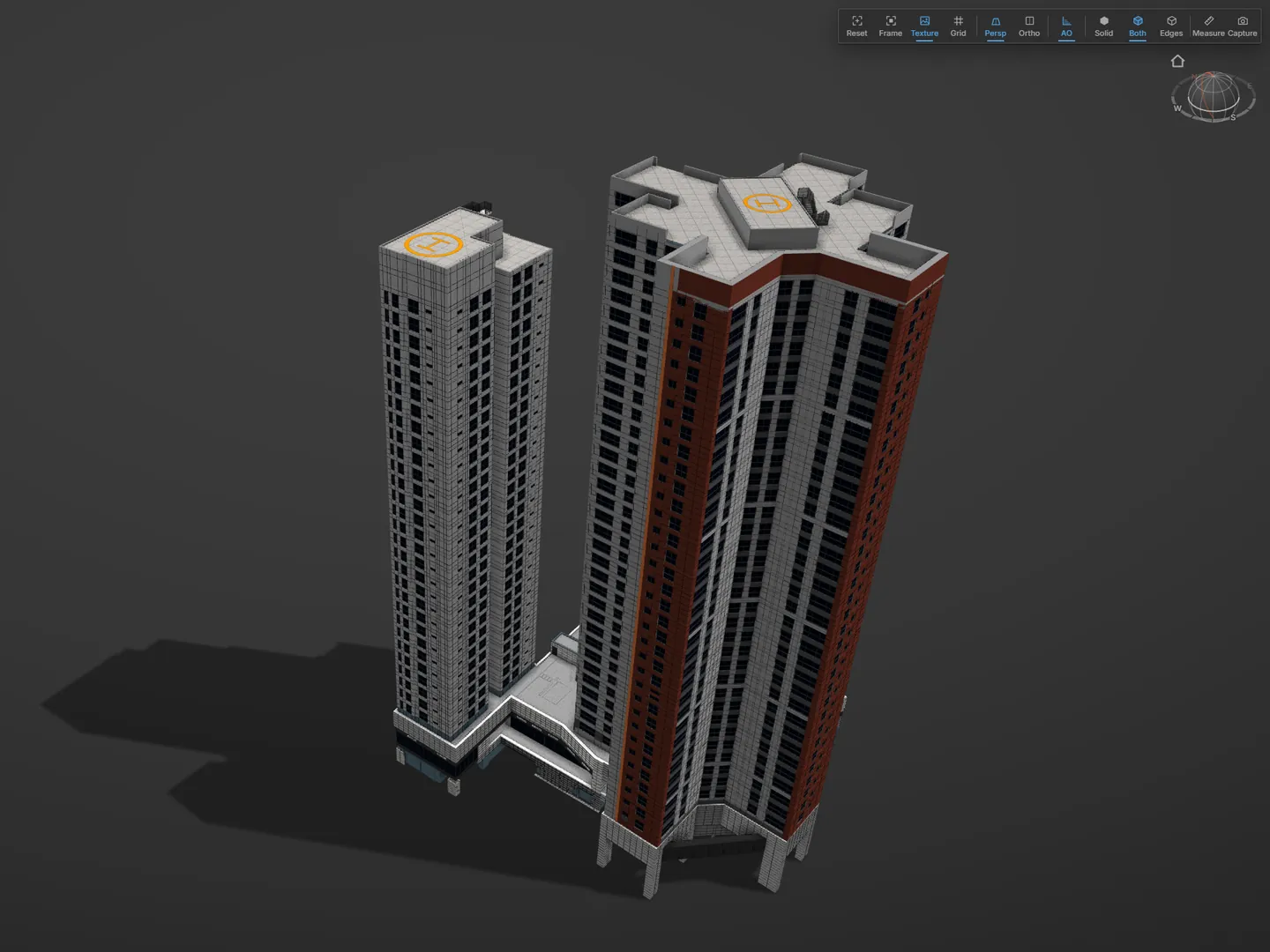
Keep the polygon models you already built쌓아 온 폴리곤 모델, 다시 짓지 않기
Turn your models, with their attribute spreadsheets, into CityGML, CityJSON and IFC. Catch the objects that broke along the way before you deliver.모델과 속성 엑셀을 CityGML, CityJSON, IFC 로. 넘기다 깨진 객체는 납품 전에 확인.
Catch the objects that break in conversion변환에서 깨진 객체 찾기
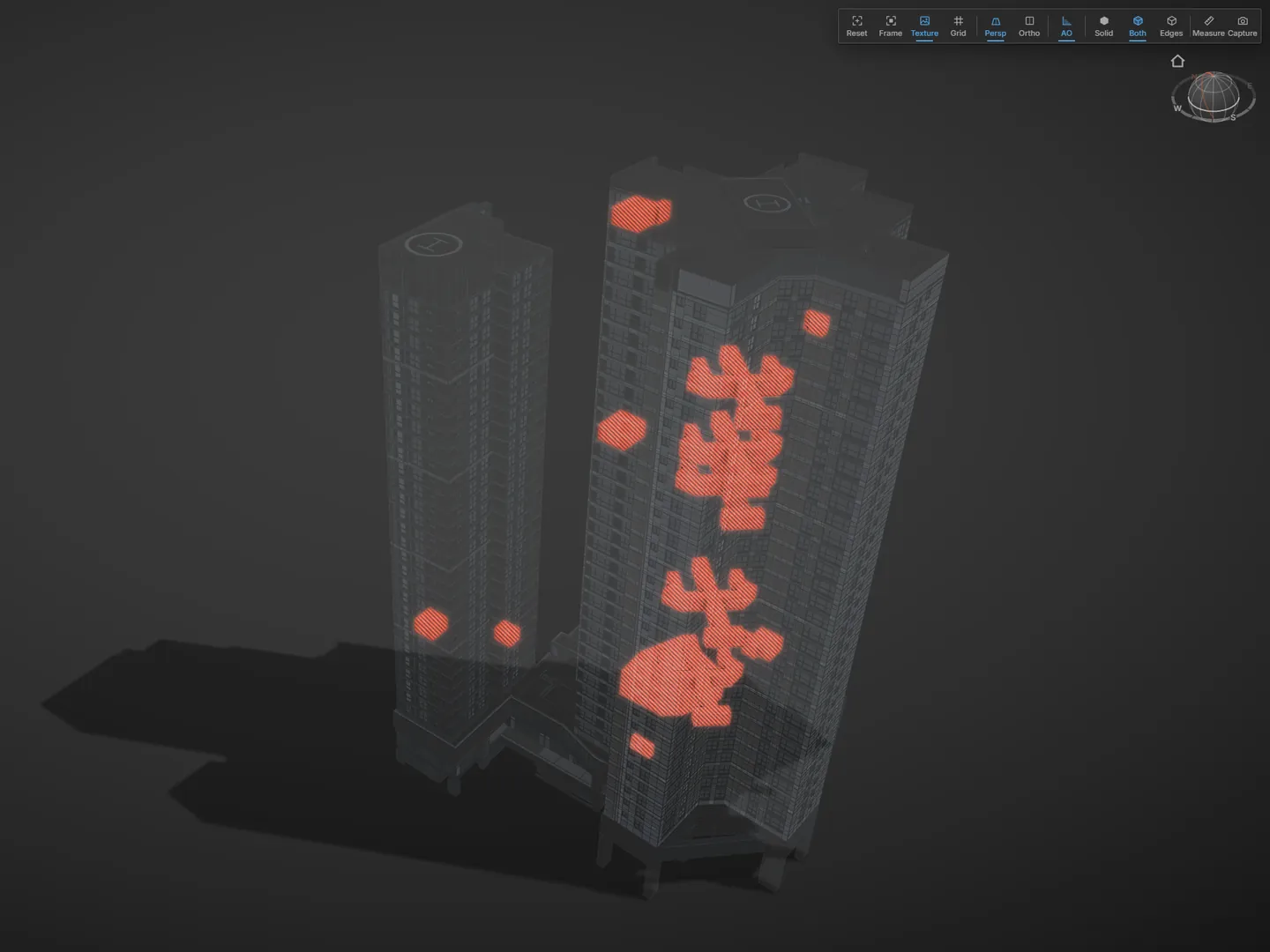
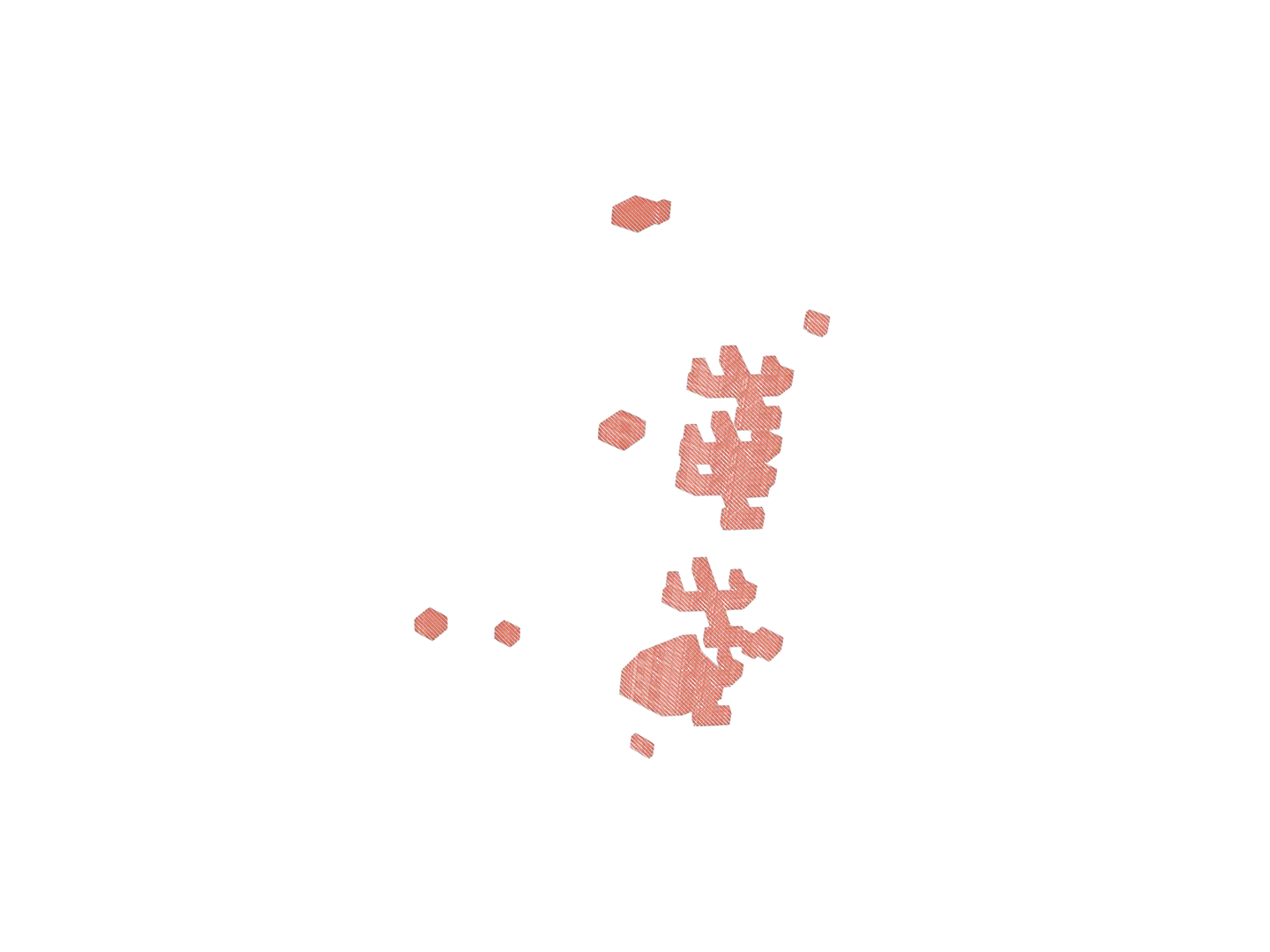
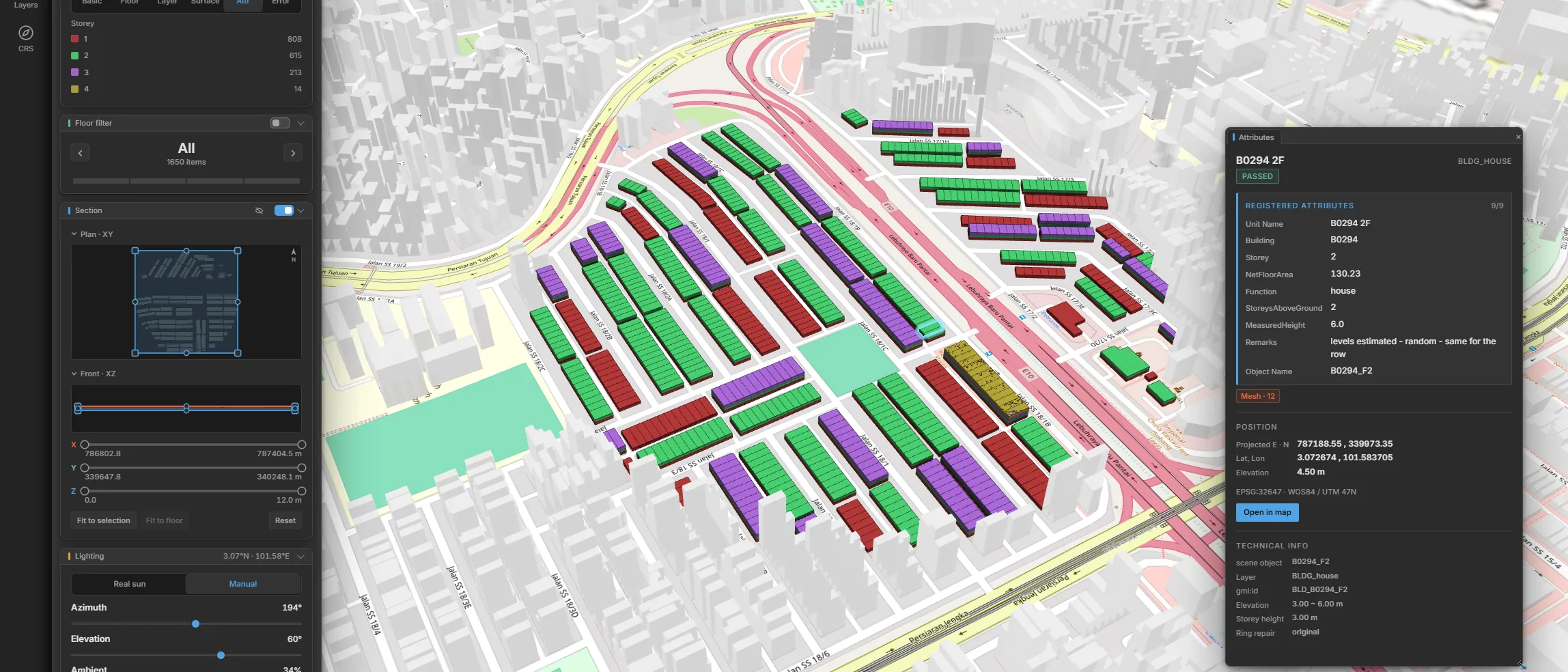
Hundreds of objects go in and a few come out quietly wrong. Every object gets a grade, and you get a list of the ones that failed.수백 개가 들어가고 몇 개는 조용히 틀린 채 나옴. 객체마다 등급, 실패한 것만 목록으로.
Tell model faults from conversion faults모델 결함과 변환 결함 구분
See which faults came with the model and which ones the conversion introduced, so the right person fixes each one.모델에 있던 결함과 변환이 만든 결함을 따로 표시. 고칠 사람이 바로 보임.
Flag open solids and keep exporting열린 솔리드는 표시하고 변환은 계속
Open solids are marked in the viewer and in the report, and the files are still written.열린 솔리드는 뷰어와 보고서에 표시, 파일은 그대로 출력.
Local coordinates labeled as local로컬 좌표는 로컬로 표시
A model without a coordinate system is labeled as local and gets no map underneath, so nobody mistakes it for a real-world position.좌표계 없는 모델은 로컬로 표시, 밑에 지도 없음. 실제 위치로 오해할 일 없음.
A pass means something was checked통과는 검사한 것만
A run that matches no objects stops with an error instead of reporting success, and objects with nothing to compare are marked as not checked.대상 객체가 0이면 성공 대신 오류로 멈춤. 대조할 값이 없는 객체는 「대조 안 함」 으로 표시.
Bring your attributes in from spreadsheets스프레드시트 속성을 그대로
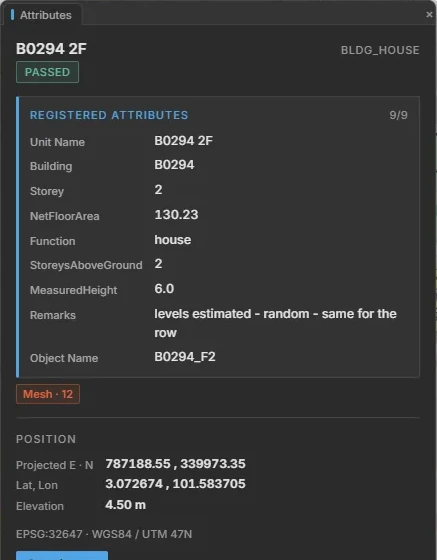
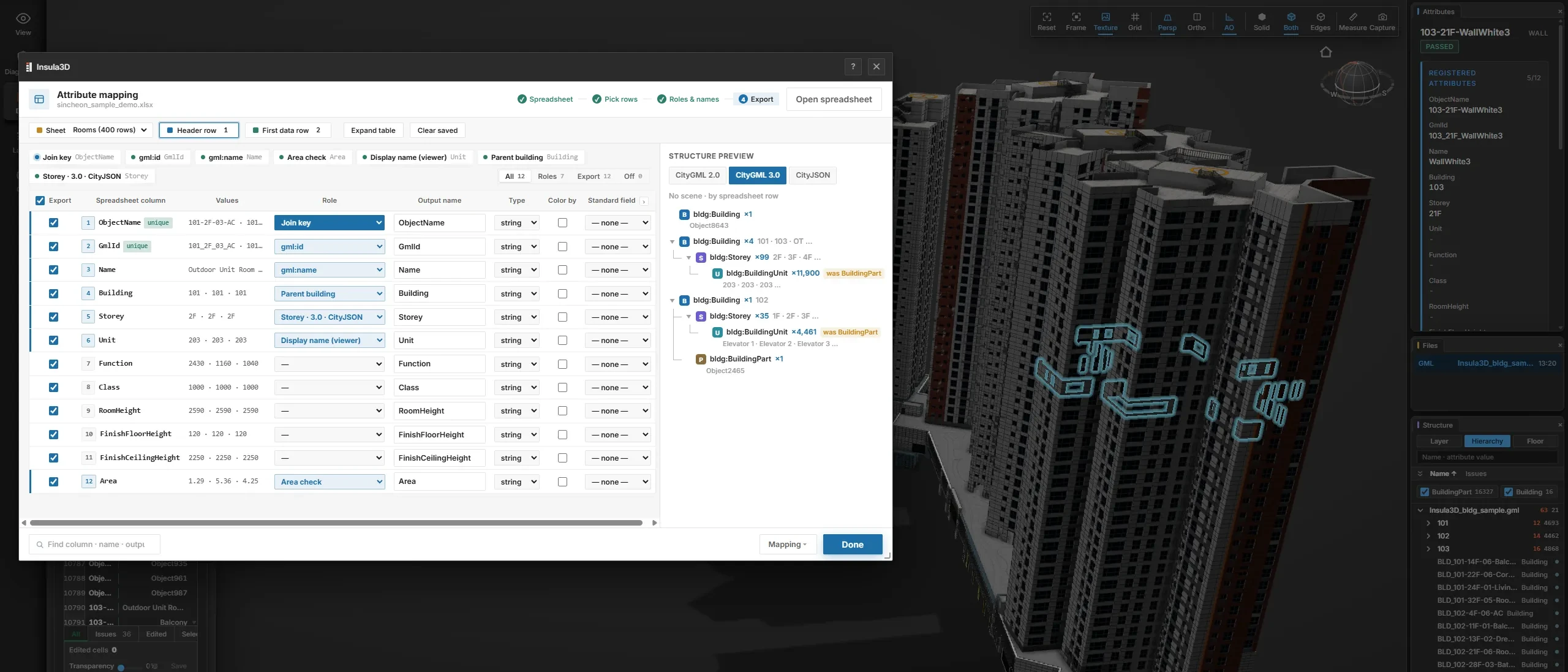
Match each spreadsheet column to a role, then see the Building, Storey and Unit tree before anything is converted.엑셀 컬럼마다 역할을 정하고, 변환 전에 Building, Storey, Unit 계층을 미리 확인.
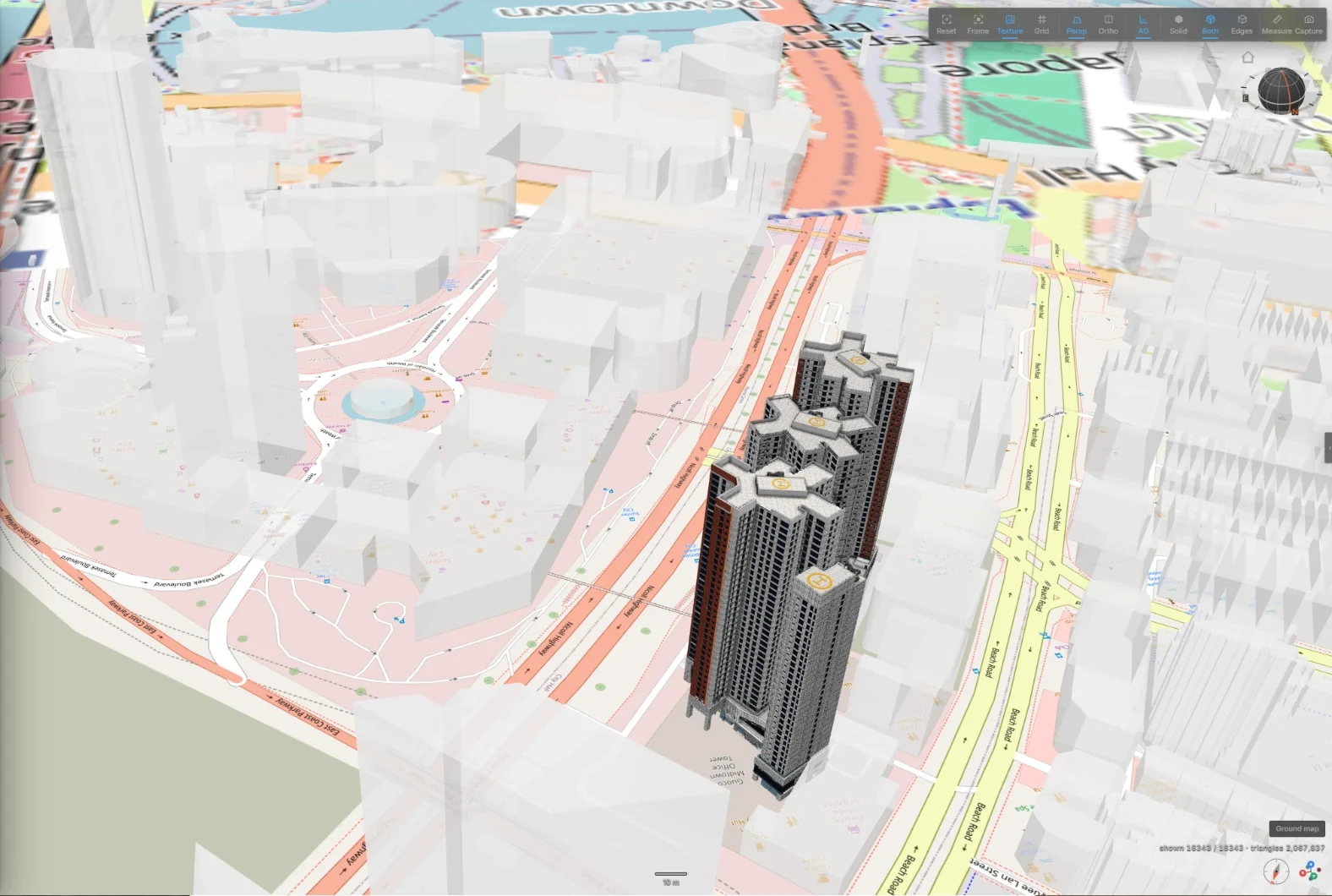
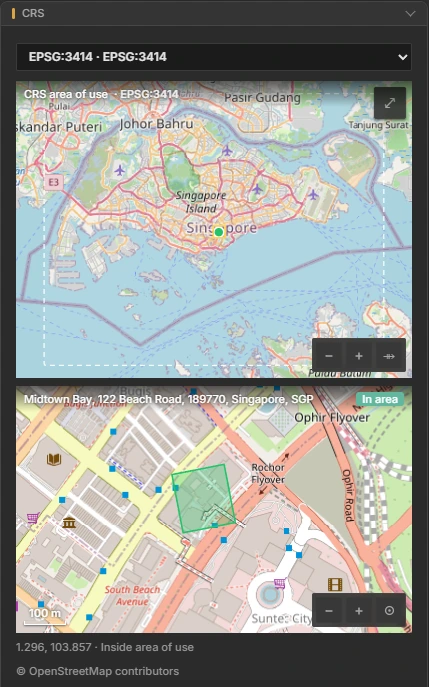
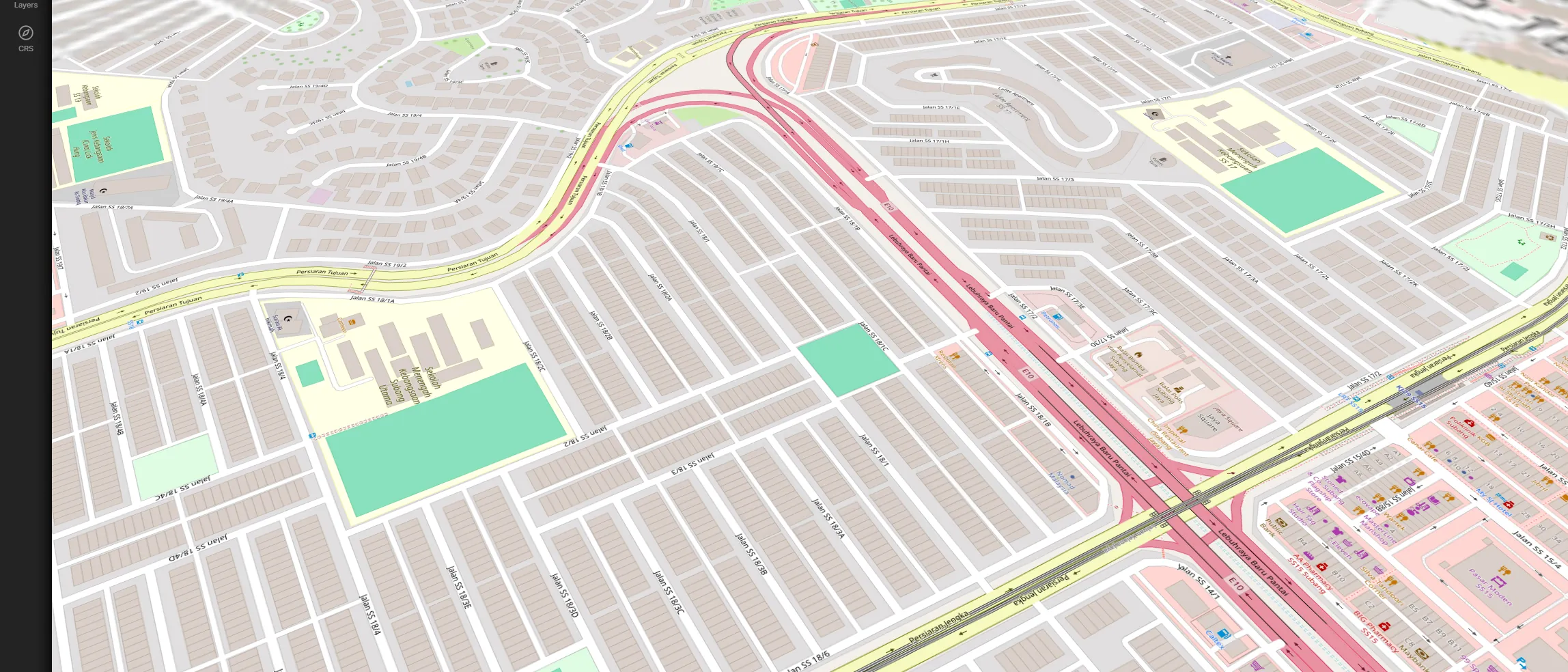
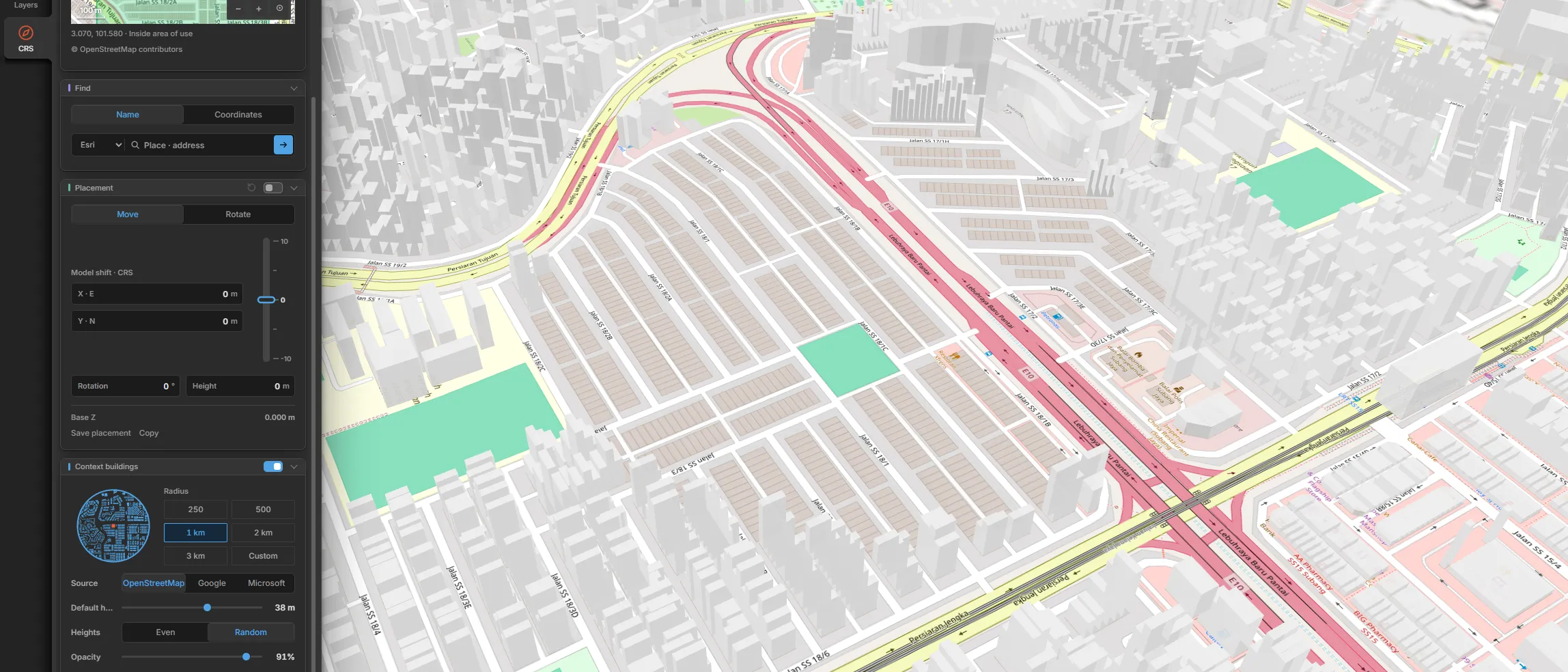
Search a place name, paste coordinates or drag the model across a world map. See the exact numbers before you export.지명 검색, 좌표 붙여넣기, 세계지도 위 끌어다 놓기. 내보낼 좌표값은 내보내기 전에 화면에서 확인.
Catch a wrong coordinate system early틀린 좌표계를 일찍 발견
The EPSG code you pick is checked against your actual coordinates, and any mismatch shows on screen before you export.고른 EPSG 코드와 실제 좌표를 대조, 어긋나면 내보내기 전에 화면에 표시.
Export at true position or at the origin정위치 또는 원점으로 내보내기
Keep real UTM coordinates for the round trip into 3ds Max, or shift to the origin for viewers that can't handle large coordinates. The offset is saved so you can shift back.3ds Max 로 되돌릴 땐 UTM 실좌표, 큰 좌표를 못 담는 뷰어용은 원점으로. 뺀 값은 저장돼 되돌리기 가능.
Work offline오프라인 작업
Conversion, inspection and validation run without a connection. Only online extras, such as the basemap, place search and context buildings, need the internet.변환, 검수, 검증은 인터넷 없이 가능. 지도, 지명 검색, 주변 건물 같은 부가 기능만 인터넷 필요.
What's handled for you기본으로 처리하는 것들
Open models without opening the modeler모델링 도구 없이 모델 열기
Drop an OBJ, 3DS, binary FBX, glTF or GLB file onto the window and it opens as a scene, ready to convert.OBJ, 3DS, 바이너리 FBX, glTF, GLB 파일을 창에 끌어놓으면 씬으로 열림, 바로 변환.
Semantic surfaces시맨틱 표면
Each face is tagged as wall, roof or ground, so your LOD2 buildings carry meaning as well as shape.면마다 벽, 지붕, 바닥 지정. LOD2 건물에 모양과 뜻을 함께.
Building, Storey, PartBuilding, Storey, Part 계층
Buildings, stories and parts stay nested the way CityGML expects. A part with no parent is exported as its own building and counted, so nothing disappears quietly.건물, 층, 부속을 CityGML 계층대로. 부모 없는 부속은 독립 건물로 내보내고 개수 표시, 말없이 사라지는 것 없음.
Textures and appearance텍스처와 외관
Textures and colors carry over to CityJSON, CityGML, IFC, GLB and FBX. GLB and FBX pack the images inside the file.텍스처와 색을 CityJSON, CityGML, IFC, GLB, FBX 로. GLB, FBX 는 그림을 파일 안에 포함.
Addresses, lifespan, external references주소, 존속 기간, 외부 참조
Addresses across five administrative levels, registration and closure dates, and links back to the source record, each written the way CityGML 2.0 or 3.0 expects.행정 다섯 단계 xAL 주소, ISO 8601 등록일과 말소일, 원본 기록 참조. CityGML 2.0, 3.0 이 담는 방식이 달라 버전마다 제 스키마대로.
Output you can verify검증할 수 있는 산출물
Each format is checked against an independent reference.형식마다 외부 기준으로 검증.
Validated on your computer내 PC 에서 검증
CityGML 2.0 and 3.0 are checked against the official schema. After a conversion, open-source validators check the rest: buildingSMART's ifc-gherkin-rules for IFC, val3dity and cjval for CityJSON, and the Khronos glTF-Validator for GLB. Nothing is uploaded.CityGML 2.0, 3.0 은 공식 스키마로 검사. 변환 뒤엔 오픈소스 검증기가 나머지를 검사: IFC 는 buildingSMART 의 ifc-gherkin-rules, CityJSON 은 val3dity · cjval, GLB 는 Khronos glTF-Validator. 업로드 없음.
Tested with independent tools외부 도구로 시험
IFC is tested against the buildingSMART rules, GLB with the Khronos glTF-Validator and FBX in Blender.IFC 는 buildingSMART 규칙, GLB 는 Khronos glTF 검증기, FBX 는 Blender.
3,000+ tests on every change변경마다 시험 3,000건 이상
Whole output files are compared with the last good run.산출물 파일을 직전 정상본과 통째 대조.
Do I need 3ds Max or Blender?3ds Max 나 Blender 가 꼭 필요한가?
Not necessarily. The usual route is a plug-in inside either tool that exports your selection. OBJ, 3DS, binary FBX, glTF and GLB files also open directly.필수 아님. 두 도구 안의 셸로 고른 객체를 내보내는 것이 기본 흐름. OBJ, 3DS, 바이너리 FBX, glTF, GLB 는 직접 열기 가능.
Does it need an internet connection?인터넷이 필요한가?
Only for online extras: the basemap, place search and context building downloads. Conversion, validation, the viewer and every report work offline.지도, 지명 검색, 주변 건물 받기 같은 부가 기능만 필요. 변환, 검증, 뷰어, 보고서는 오프라인 동작.
Which CityGML versions are supported?CityGML 은 몇 버전?
Both 2.0 and 3.0. Each version stores addresses, dates, external references and building stories differently, so each is written to and validated against its own schema.2.0, 3.0 둘 다. 주소, 날짜, 외부 참조, 층 계층을 담는 방식이 달라 버전마다 제 스키마로 작성하고 제 XSD 로 검증.
Can the IFC be edited like a native model?IFC 를 받는 쪽에서 이어서 편집할 수 있나?
No. IFC output is for reference, coordination and review. Geometry is written as mesh faces, so walls can't be edited the way natively modeled ones can.아니요. IFC 는 참조, 조정, 검토용. 형상이 메시 면이라 직접 모델링한 벽처럼 편집 불가.
Can I get the model back into 3ds Max?3ds Max 로 되돌릴 수 있나?
Yes. FBX export keeps the model's real coordinates for the trip back to 3ds Max. A copy moved next to the origin is also available for viewers that can't handle large coordinates, and the offset is saved beside it.가능. FBX 는 모델의 실좌표 그대로 3ds Max 로. 큰 좌표를 못 담는 뷰어용 원점 옆 한 벌도 선택 가능, 뺀 값은 옆 파일에 저장.
Where do attribute values come from?속성값은 어디서 오나?
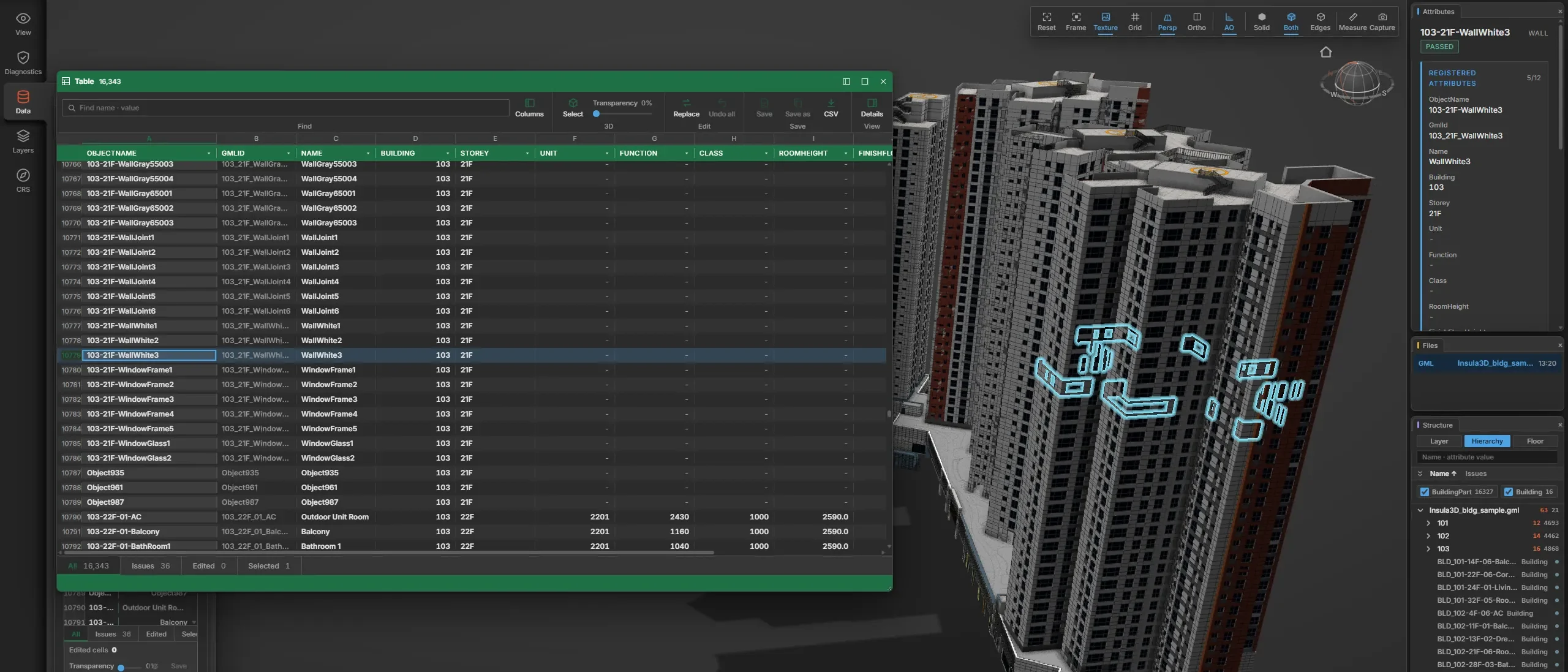
From your spreadsheet, plus each object's layer name from the model. IFC files also carry values measured from the geometry, such as area, volume and story elevation. Empty cells are marked with a dash instead of being filled in.엑셀, 그리고 모델의 레이어 이름. IFC 에는 형상에서 잰 값(면적, 부피, 층 높이)도. 빈칸은 채우지 않고 대시(-)로 표시.
Will my data pass a client's specification?발주처 규정 통과를 보장하나?
Not on its own. Insula3D shows where your output conflicts with the standard, but client specifications differ by project, so compare yours with the report.그것만으로는 아님. 표준과 어긋나는 곳은 표시, 발주처 규정은 사업마다 달라 보고서와 대조 필요.
Can my company buy with a purchase order?회사 발주서로 살 수 있나?
Yes. Email support@insula3d.com with your purchase order or the number of seats you need. Paddle, our Merchant of Record, is the vendor on the invoice, and its procurement page at paddle.com/about/procurement has the vendor details your finance team may ask for.가능. 발주서나 필요한 좌석 수를 support@insula3d.com 으로. 청구서의 판매자는 Merchant of Record 인 Paddle, 재무팀이 찾는 판매자 정보는 paddle.com/about/procurement.
Get early access얼리 액세스 신청
The first Windows build is out. Try it free for 30 days, or buy early access now.첫 Windows 빌드 공개. 30일 무료 체험, 또는 지금 얼리 액세스 구매.