Choose formats and the output folder
Choose ConvertOutput settings…, or click Output at the bottom of the icon rail.
 Open full size
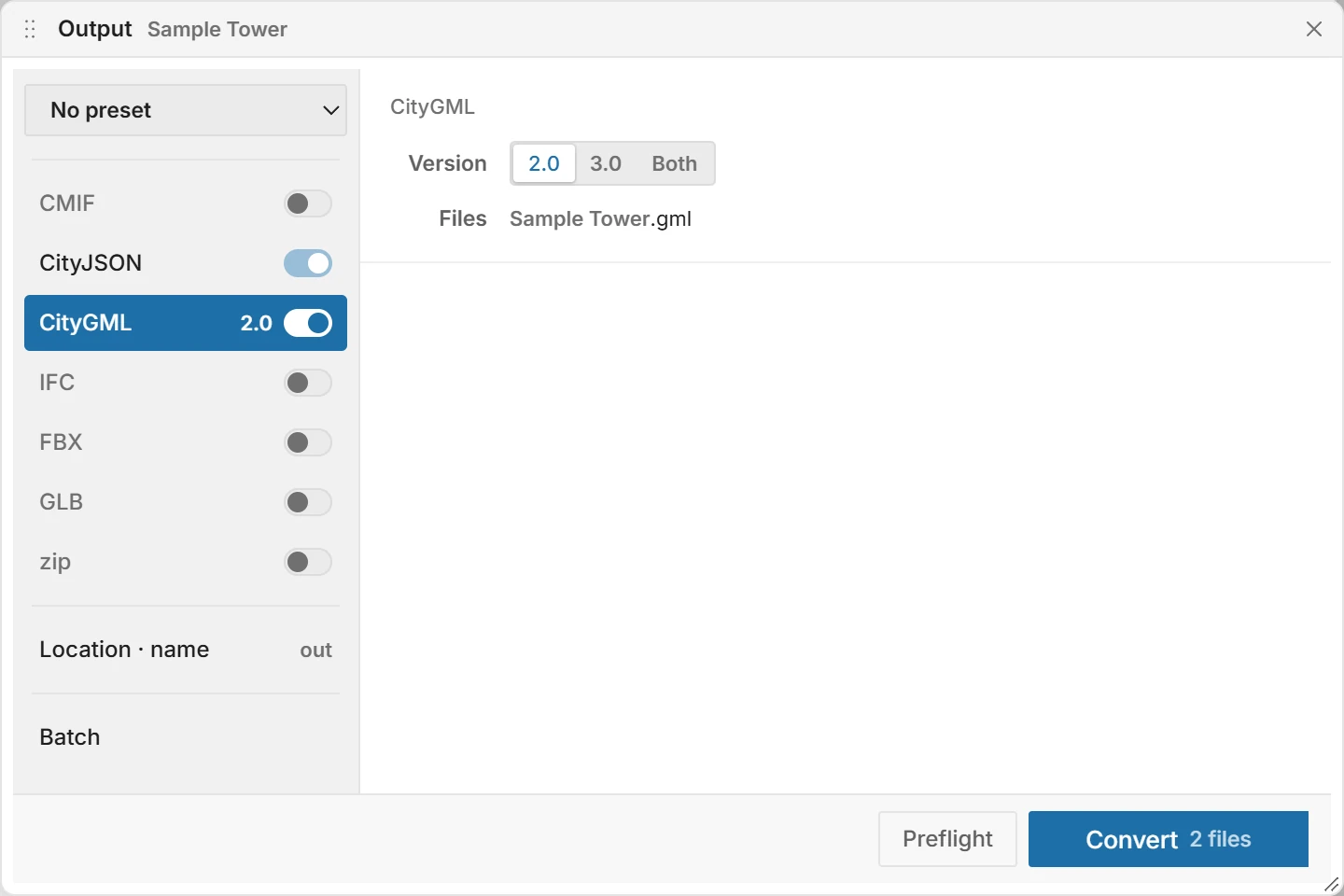
Turn a format on with its switch, and click its name to see its options. CityJSON is always written.
| Format | Options |
|---|---|
| CityGML | Version: 2.0, 3.0 or Both. |
| IFC | Version: IFC4 or IFC2x3. Textures: Separate folder or Embedded. |
| FBX, GLB | Location: Real location keeps the real coordinates, for taking the model back into 3ds Max. Origin moves it to the origin and records the offset. Both writes the two. The two formats share this setting. |
| CMIF | The scene as it is, with the textures beside it. Spreadsheet: None, Separate file, Inside or Both. For a model placed on the map, Location: Original + placement or Applied to coordinates. |
| zip | The CityGML and its textures in one file, for upload to Cesium. |
To set the folder and the name:
- Click Location · name.
- Under Folder, click Browse and choose the output folder.
- Under Name, type the file name without an extension.
If the folder already holds files with these names, a band at the top of the window says so, and Convert asks before it writes:
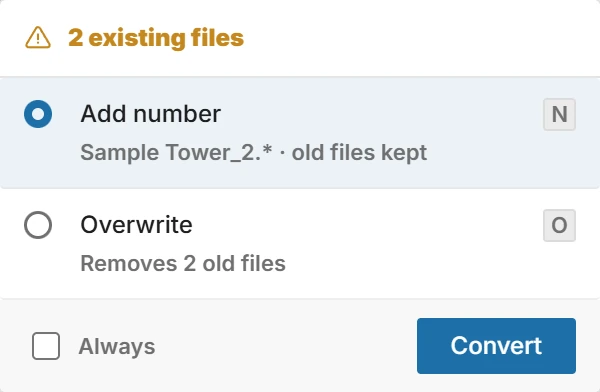
Select Always to stop asking. The choice is saved under Overwrite in Settings, where you can change it.
The list at the top keeps presets of formats and their options. The folder and the name are not part of a preset.
Parent topic: Converting